
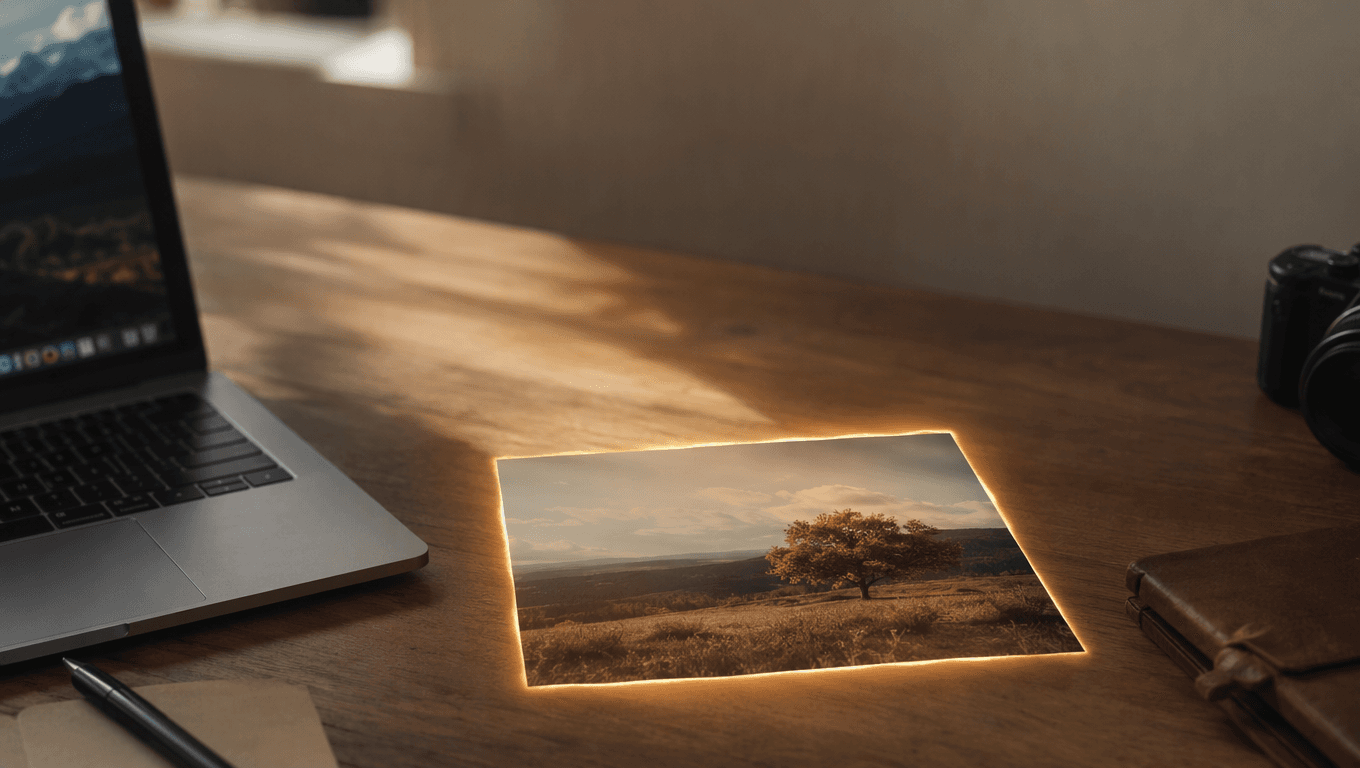
What the Best Free AI Video Generators Actually Do to Your Photo
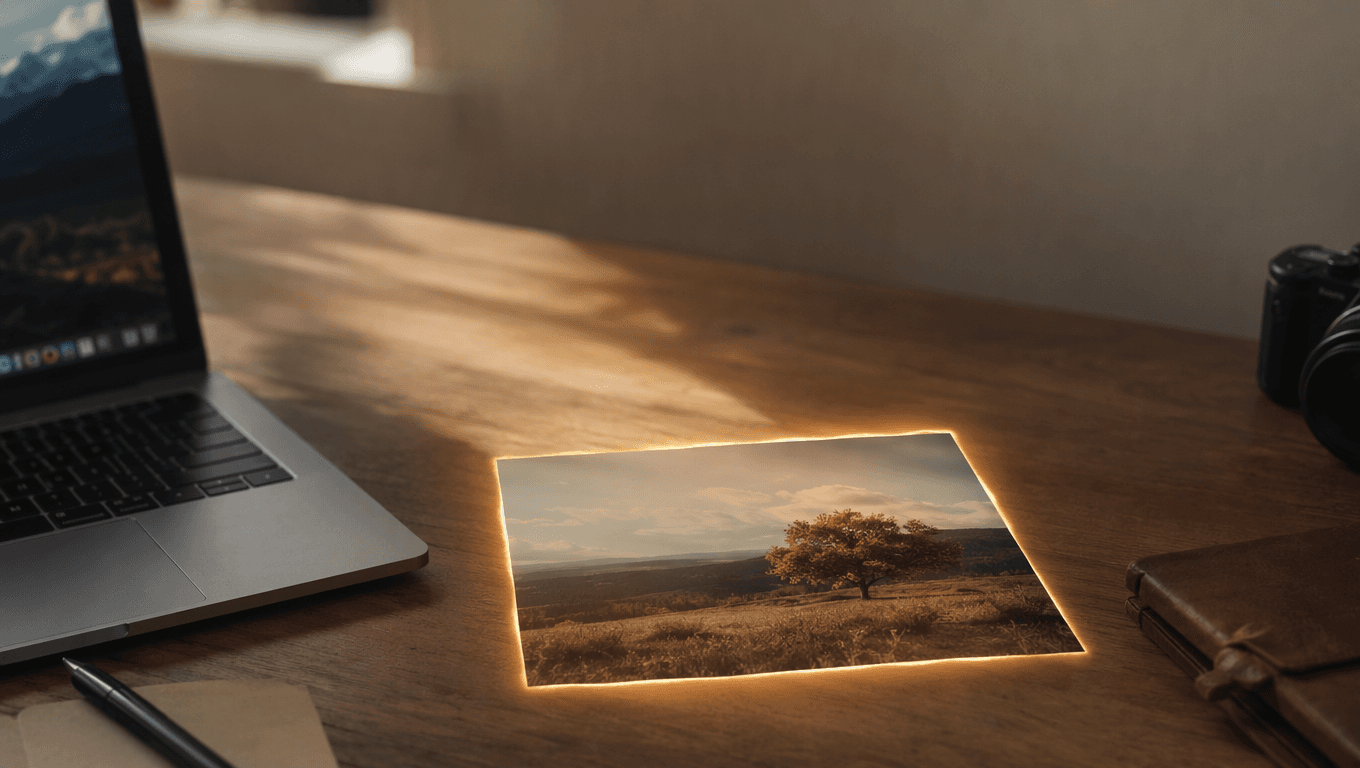
Every AI video generator sells the same promise: give it a still image, get back a few seconds of movement. What almost none of them tell you is what happens in between, or why two tools given the same photo produce wildly different results.
We built one, so we can tell you exactly.
It takes minutes, not seconds
This is the first thing that surprises people. A five second clip at 480p took our pipeline 211 seconds on the first run, and between 100 and 220 seconds on every run since.
Almost none of that is our code. Uploading your image, validating it, and writing the job to a database takes under ten seconds combined. The rest is the model doing frame-by-frame inference on a GPU somewhere, and waiting in line behind everyone else who clicked generate at the same moment.
So when a tool shows you a progress bar that fills in fifteen seconds and then sits at 99%, it is not broken. It is guessing. Any honest AI video generator will tell you to expect a two to four minute wait.
Small movement looks real. Big movement does not.
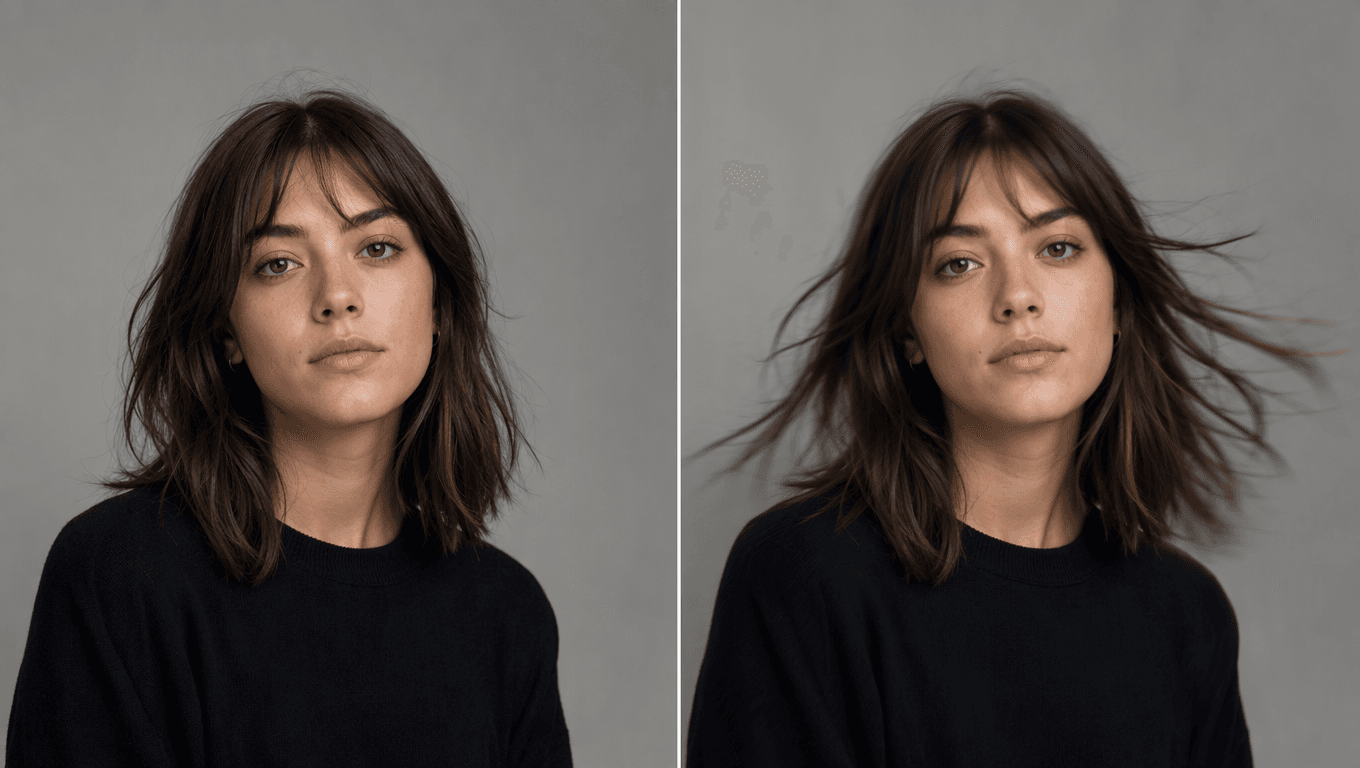
The single biggest factor in whether your video looks convincing is how much you ask the subject to move.
A person breathing, hair drifting, steam rising, light shifting across a wall. These read as real because the model only has to invent small changes that stay consistent with the original frame. Ask that same person to turn around, walk across the room, or change expression dramatically, and the model has to invent information that was never in your photo: the back of their head, the far side of the room, teeth. That is where faces warp and hands melt.
This is not a limitation you get around by paying for a better model. It is a consequence of the model having exactly one frame of information to work from. The practical rule: ask for the smallest movement that still tells your story.
Your prompt is doing more work than you think
Most people type something like "make my photo move" and judge the tool by what comes back. But these models were trained on video paired with detailed descriptions, so a vague prompt gets you a vague, averaged-out result.
Compare what the same generator does with these two prompts:
make my cat move
versus
Animate the cat from the provided first frame. Keep the camera static while the cat blinks, breathes naturally, and moves its ears. Keep the cat's appearance, markings, and position unchanged throughout. Ambient sound: soft room tone.
The second one works better, and the reason is visible in its structure. It separates four things the model handles independently:
- What the camera does. Static, slow push-in, orbit, handheld
- What the subject does. The specific small actions, named
- What must not change. Appearance, position, composition
- What it should sound like, if the model generates audio
You do not need to write like this every time. But if a result disappoints you, rewriting the prompt is nearly always cheaper and faster than switching models.
Resolution is where the money goes
Generation is priced per second of output, and the jump between resolutions is steeper than most people expect. Using real supplier rates for a five second clip:
| Model | 720p | 1080p |
|---|---|---|
| Wan 3.0 | $0.38 | $0.75 |
| Kling 3.0 | $0.60 | $0.79 |
| Seedance 2.0 | $1.00 | $2.49 |
| Seedance 2.5 | $1.48 | $2.66 |
Going from 720p to 1080p on Seedance 2.0 costs two and a half times more for the same five seconds. Whether that is worth it depends entirely on where the video ends up: on a phone screen in a social feed, 720p is usually indistinguishable.
This is also why free tiers cap resolution rather than length. A generous free tier at 480p costs a few cents; the same clip at 1080p costs dollars.
What to check before you trust a free AI video generator
Free is a real business model here - the cost of one short low-resolution clip is small enough to give away. But the details differ in ways that matter:
- Watermarks. Some tools burn a logo into the file itself, some overlay it only in the preview player, and some skip it entirely. Download the file and look at it.
- How long results are kept. Many free tiers delete generated videos within 24 hours. Fine if you download immediately, painful if you close the tab.
- What happens to your upload. Your photo goes to a model provider. The privacy policy should say which one, and how long both the source and the result are stored.
- Whether you own the output. This varies more than you would guess, especially between free and paid tiers of the same product.
The short version
An AI video generator is not magic and it is not a filter. It is a model making an educated guess about what the next few seconds of your photograph would look like. Give it a clear, small, well-described change to make, and it guesses well. Ask it to invent a scene it never saw, and it guesses badly.
If you want to try this on your own photo, PhotoLoop generates a free five second clip from a single image - no card, no watermark, and you only need an account when you want to download it.